
Android TV or TV Box
APK app
Download the appPrayer times, iqama and adhkar on your mosque's screen, in Arabic or English. Download it free and set it up from the settings. Works offline after download.
Download the screen, then set it up from the settings.
Choose the Android app or the HTML file, and open it on the screen's device.
Press OK on the remote, then choose your city and calculation method in the settings.
Set each iqama a number of minutes after the adhan, or at a fixed time.
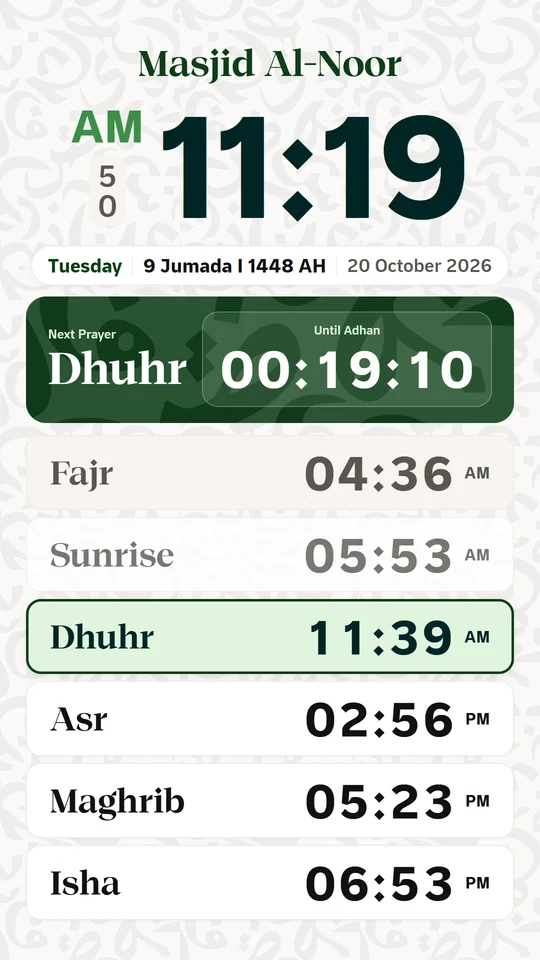
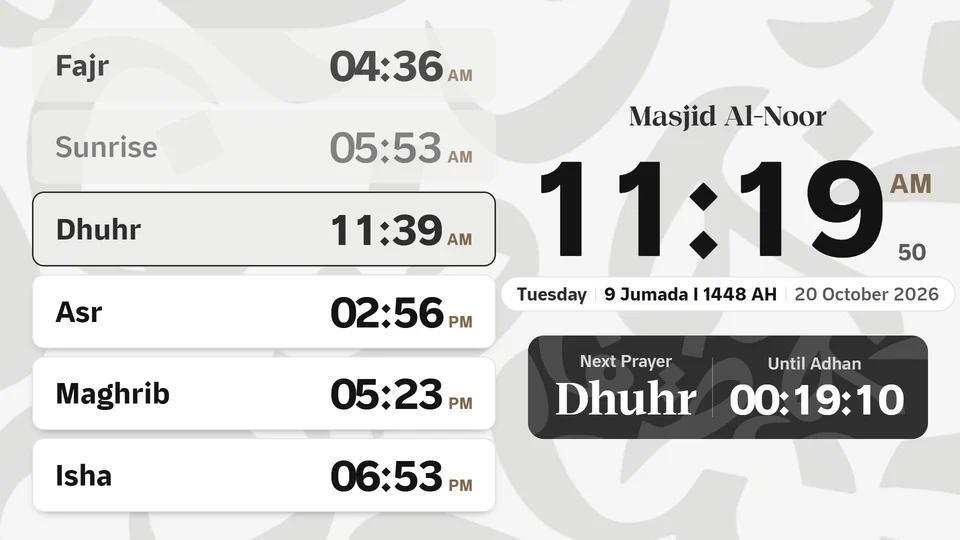
Choose the design, colors and screen language, and set portrait or landscape.
To open the settings, press OK on the remote or Enter on a computer.
APK app
Download the appHTML file
Download the HTML fileLarge numbers and clear type, legible from the back of the mosque.
No internet needed after download.
Minutes after the adhan, or a fixed time.
The OK button opens the settings.
Turn on automatic date and time in the device settings. Then check the city and time zone in the screen settings.
No. It is free and needs no sign-up. Your settings are saved on your device.
Yes, once downloaded. You can connect the device to the internet so its clock sets itself automatically.
Send us your idea, or a picture of the design you have in mind.